
Keys to Designing a Trustworthy Website Experience
In This Article
Trust is the foundation of any successful website. Visitors decide within seconds whether they feel comfortable staying, exploring, or making a purchase. A website that looks trustworthy encourages users to engage, share information, and return. But what exactly makes a website appear reliable and credible? This post explores the essential elements that build trust through design, content, and user experience.
Clear and Simple Navigation
Visitors expect to find what they need quickly. Confusing menus or cluttered layouts create frustration and doubt. A trustworthy website uses straightforward navigation with clearly labeled sections. This helps users feel in control and confident they can find information easily.
Use the same menu structure across all pages so visitors always know where they are.
Keep main navigation concise — too many choices overwhelm and drive visitors away.
Make content findable with a visible search bar for quick access.
Use plain-language labels instead of jargon or vague terms.
For example, an online store that categorizes products clearly and offers filters for size, price, or brand helps users trust the site's organization and professionalism.
Professional and Consistent Visual Design
Visual design strongly influences first impressions. A polished, consistent look signals that the website owner cares about quality and detail. Trustworthy websites avoid outdated styles, broken images, or mismatched fonts.
Stick to two or three clean, readable typefaces that work well together.
Use a cohesive colour palette that reflects your brand's personality.
Ensure all images are crisp, relevant, and properly sized.
Maintain uniform spacing and alignment for a polished, balanced layout.
A website with a modern design and consistent branding feels more credible than one with random colors, pixelated images, or cluttered text blocks.

Transparent Contact Information and About Section
People trust websites that provide clear ways to reach the business or organization. Displaying contact details openly reduces suspicion and builds confidence.
Include phone numbers, email addresses, and physical location if applicable.
Share your company's story, mission, and real team members.
Use genuine staff photos or bios to humanize your brand.
Offer live chat or chatbot support for immediate assistance.
For instance, a nonprofit website that shares its mission and team photos alongside a contact form feels more genuine and trustworthy to donors.
Secure and Visible Privacy Measures
Security is a top concern for users, especially when sharing personal information or making payments. Websites that clearly communicate their security practices earn user trust.
Encrypt all data and display the padlock icon in the browser address bar.
Provide a clear, accessible privacy policy explaining data collection and use.
Display certifications from recognized authorities like SSL providers or industry bodies.
Only ask for information you genuinely need — nothing more.
An e-commerce site that highlights secure checkout and privacy protections reassures customers that their data is safe.
Fast Loading Speed and Mobile Optimization
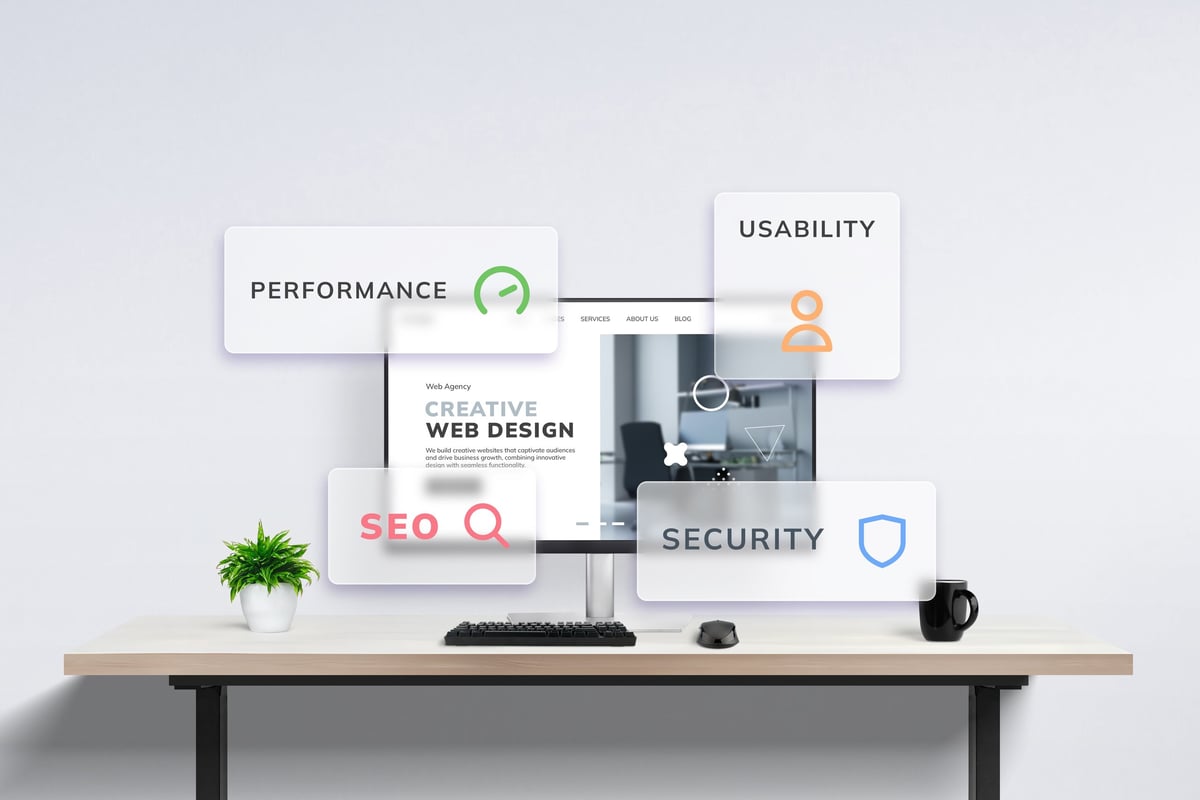
Slow websites frustrate users and raise doubts about reliability. A trustworthy site loads quickly and works well on all devices.
Compress images and minify code to keep loading times under three seconds.
Adapt layouts seamlessly for phones, tablets, and desktops.
Monitor performance with Lighthouse or PageSpeed Insights and fix bottlenecks.
Don't disrupt browsing with aggressive interstitials that frustrate users.
For example, a news website that loads instantly and displays cleanly on mobile devices keeps readers engaged and confident in the source.
Clear Calls to Action and Honest Content
Trustworthy websites guide visitors with clear calls to action (CTAs) and provide honest, accurate information.
Use simple, action-oriented language on buttons and links.
Avoid exaggerated claims — under-promise and over-deliver.
Share detailed product descriptions, genuine reviews, and case studies.
Update content regularly to show your site is active and accurate.
A service provider that offers transparent pricing and customer testimonials builds trust by showing real results and clear expectations.
Accessibility and User-Friendly Features
Making a website accessible to all users, including those with disabilities, reflects care and professionalism. It also broadens the audience and improves trust.
Use descriptive alt text for images and a logical heading structure.
Ensure sufficient contrast between text and background for readability.
Enable full keyboard navigation and screen reader compatibility.
Skip flashing animations or auto-playing content that disorients users.
A government site that follows accessibility standards signals respect for all visitors and builds credibility.
Key takeaways
Related articles

Web Design in Merthyr Tydfil: A Local Guide for Small Businesses
A practical guide to web design for Merthyr Tydfil businesses — how design and local SEO work together, what to expect from a professional website, common mistakes to avoid, and how to choose the right web designer for your business.

How Much Does a Small Business Website Cost in 2026?
A professional small-business website in the UK can cost anywhere from £500 to more than £10,000 in 2026. Here's what you can expect at each price level, what affects the cost, and how to avoid overpaying for a website that doesn't deliver.

How to Choose a Web Design Agency: A Comprehensive Guide
Choosing the right web design agency can make or break your online presence. Learn what to look for, what to ask, how to evaluate portfolios, and how to align your budget for the best results.